Skip to content
View in the app

A better way to browse. Learn more.

BreatheHeavy | Exhale

A full-screen app on your home screen with push notifications, badges and more.

To install this app on iOS and iPadOS
  1. Tap the Share icon in Safari
  2. Scroll the menu and tap Add to Home Screen.
  3. Tap Add in the top-right corner.
To install this app on Android
  1. Tap the 3-dot menu (⋮) in the top-right corner of the browser.
  2. Tap Add to Home screen or Install app.
  3. Confirm by tapping Install.

Oops!... I Did It Again Tour starts in 2000

This event began 06/20/2000 and repeats every year forever


On June 20, 2000 Britney launched her 3rd tour titled after he 2nd album Oops I Did It Again in Columbia, Maryland!

The tour ran till January 18, 2001  and consisted of 88 shows. The most she has done is any of her previous tours at this time. The set list was comprised of 12 songs and a encore, including 

"(You Drive Me) Crazy"

"Stronger"

"What U See (Is What U Get)"

"From the Bottom of My Broken Heart"

"Born to Make You Happy"

"Lucky"

"Sometimes"

"Don't Let Me Be the Last to Know"

"The Beat Goes On"

"Don't Go Knockin' on My Door"

"(I Can't Get No) Satisfaction"

"...Baby One More Time"

Encore

"Oops!... I Did It Again"

I LOVE this tour almost as much as I love DWAD or Oynx! The outfits the hair the LIVE VOCALS!! It gives me LIFE!!

Enjoy!
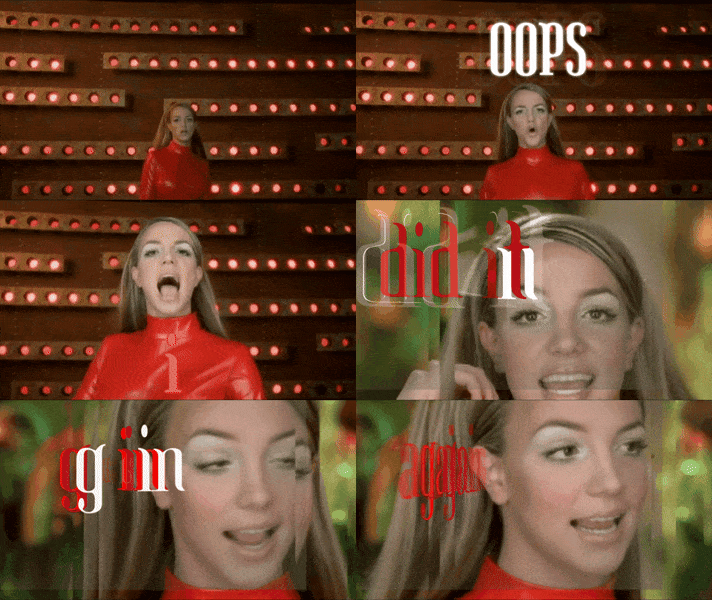
Britney Spears Oops GIF


Recommended Comments

On 6/17/2020 at 3:06 AM, CrazyButItFeelsAllright said:

The best opening song in history :urite:

I agree with you!

Leave a comment!

You can post now and register later. If you have an account, sign in now to post with your account.
Note: Your post will require moderator approval before it will be visible.

Guest
Add a comment...

Account

Navigation

Search

Search

Configure browser push notifications

Chrome (Android)
  1. Tap the lock icon next to the address bar.
  2. Tap Permissions → Notifications.
  3. Adjust your preference.
Chrome (Desktop)
  1. Click the padlock icon in the address bar.
  2. Select Site settings.
  3. Find Notifications and adjust your preference.